How to manage your vendor enquiries and replies
Keep every vendor you've contacted in one inbox — read the status at a glance, follow up without nagging, leave honest reviews and report anything that feels off.
Words by PlanMyNikah Team
27 June 2026
3 minute read
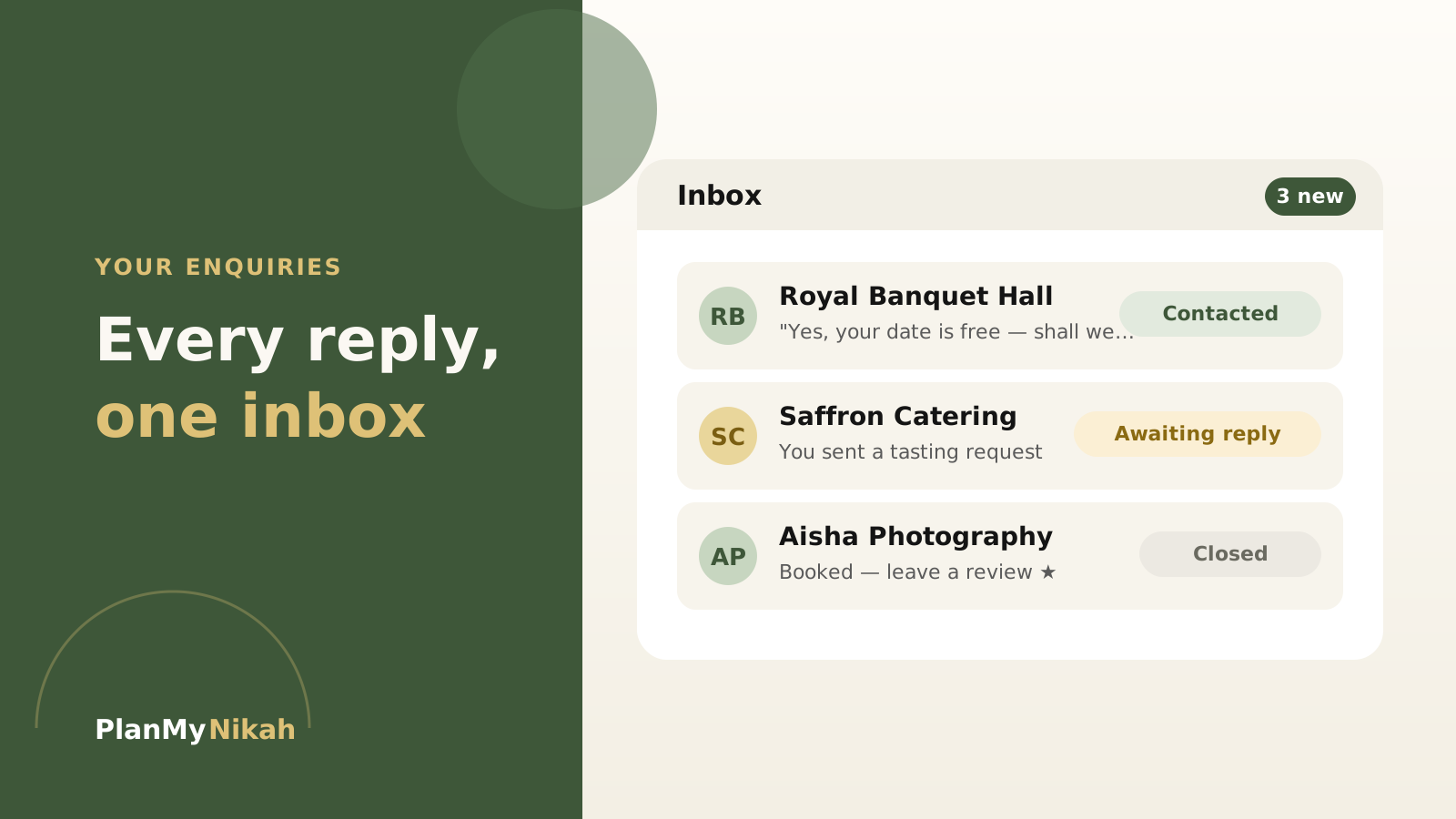
Sending an enquiry is the easy part. The bit nobody warns you about is everything after — keeping track of who's replied, who's gone quiet, and which "I'll get back to you" actually came back.
Your enquiries inbox is where all of that lives. Every vendor you've contacted through PlanMyNikah sits in one list, with the state of each conversation spelled out, so you're never refreshing your email wondering whether the photographer ever answered.
Everything you've sent, in one place
Open your enquiries and you'll see each vendor you've reached out to, newest first, with the last message and when it landed. No digging through a personal inbox where the florist's reply is buried under three Eid newsletters.
What the status labels mean
Each enquiry carries a status so you know where it stands without opening it:
- Awaiting vendor response — you've sent it; the ball's in their court.
- Contacted — the vendor has replied and the conversation is live.
- Closed — the enquiry is done, whether you booked them, went elsewhere, or it simply fizzled out.
A quick glance down the list tells you who still owes you a reply and who you need to get back to.
Following up without becoming a nuisance
If a vendor's gone quiet you can send a follow-up — but only a couple. The inbox caps you at two follow-ups per enquiry, and that's a feature, not a restriction: it stops you over-messaging, and a vendor who hasn't answered two polite nudges is usually telling you something.
Tip
If your top choice goes silent, don't sit waiting on them. Keep two or three enquiries running at once so one slow reply never stalls your whole search.
When it turns into a real conversation
Once a vendor replies, the back-and-forth happens inside PlanMyNikah — your details stay yours until you decide to share more. You can keep everything in the thread: dates, numbers, what's included, the slightly awkward question about the deposit.
Leaving an honest review
After you've dealt with a vendor — whether you booked them or just went through the enquiry — you can leave a review tied to that enquiry. It's a small thing that does a lot for the next couple in your position, especially on a marketplace built on trust. A specific review ("replied within a day, clear pricing, lovely on the day") is worth ten star-ratings with no words.
If something feels off
If a message is spammy, pushy or just plain wrong, you can report it straight from the conversation. We'd genuinely rather know — flagging a bad actor protects every other family using the site.
Note
Never feel pressured to move off-platform or hand over money before you're ready. Keeping the conversation here means there's a record if anything ever goes sideways.
The practical edit
Frequently asked questions
Where do I see vendors' replies?
In your enquiries inbox. Replies come back there, not to your personal email, so everything stays in one thread.
How many times can I follow up?
Up to two follow-ups per enquiry. If you've nudged twice with no reply, it's usually time to move to your next option.
Will the vendor get my phone number automatically?
No. You choose what to share. The conversation runs through PlanMyNikah until you decide otherwise.
Can I review a vendor I only enquired with?
Yes — reviews are linked to your enquiry, so you can share your honest experience to help other couples.
The letter from the editor
Wedding planning tips, straight to your inbox
Nikah checklists, budget advice and practical ideas, about twice a month. No spam.
Continue the edition
Related reading
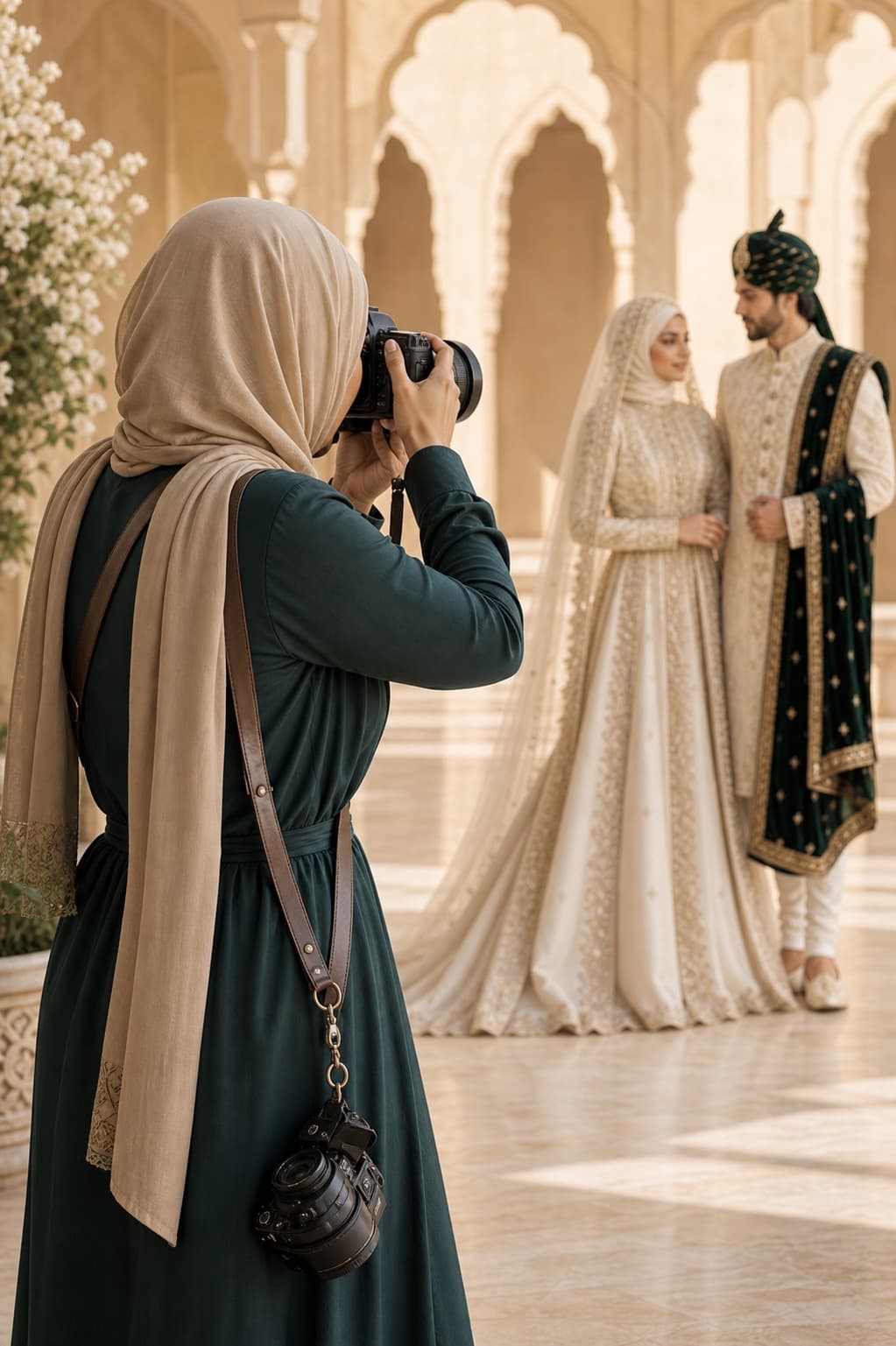
Muslim Wedding Photography Shot List: Nikah, Mehndi and Walima
Plan the photographs that matter at your nikah, mehndi, baraat and walima. This practical UK guide covers family groups, privacy, ceremony moments and the final photographer brief.
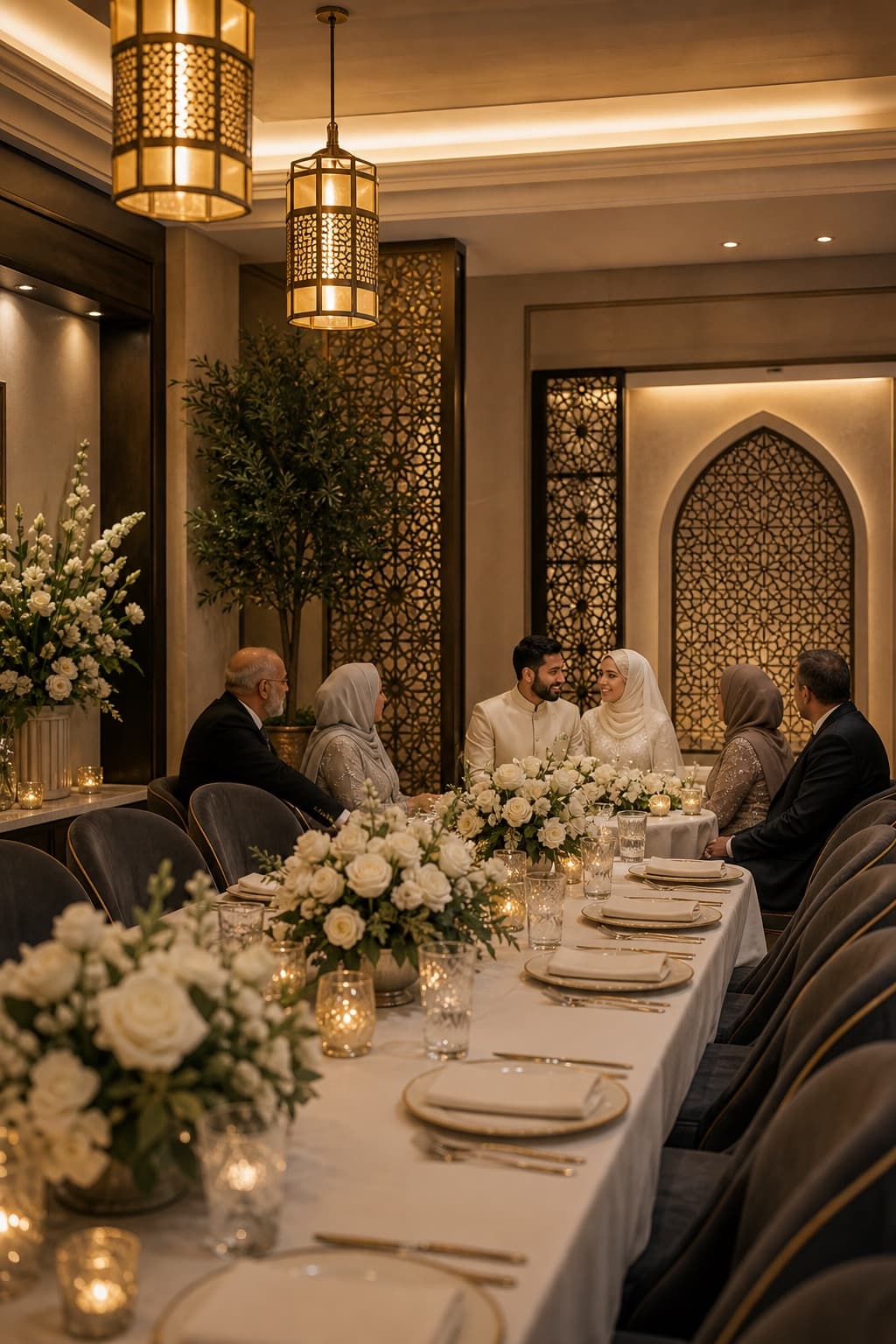
Walima Planning Checklist for UK Muslim Couples
A practical walima planning checklist for UK Muslim couples, covering guests, budget, venues, halal catering, privacy, suppliers and the running order.
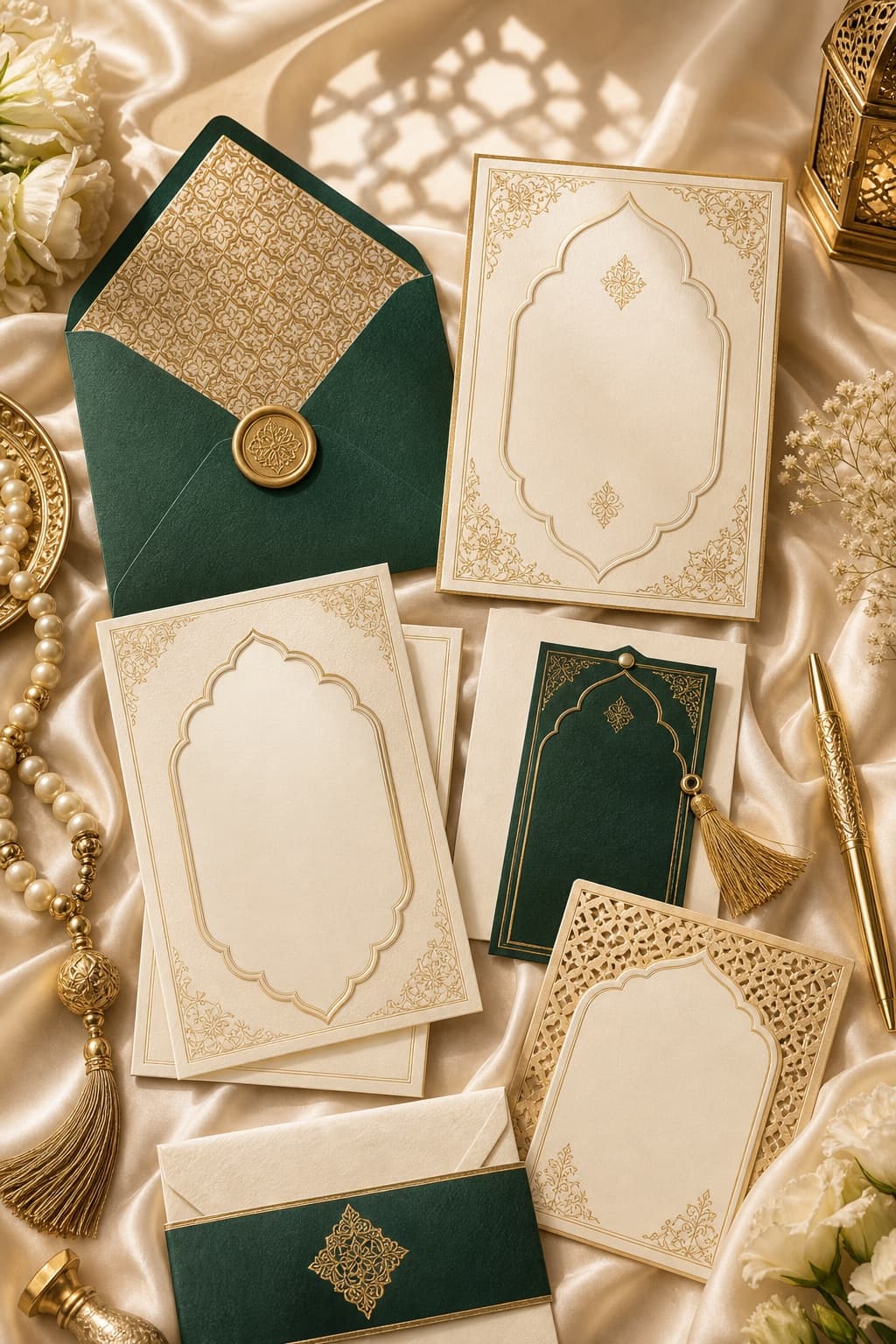
Muslim Wedding Gifts: What to Give at a Nikah or Walima
Practical gift ideas for UK Muslim weddings, with guidance on cash, personalisation and receiving presents across a nikah and walima.