How to build your wedding seating plan
Drag guests onto tables, set mixed or segregated sections, and keep families happy — using confirmed RSVPs that flow straight from your guest list.
Words by PlanMyNikah Team
13 June 2026
2 minute read
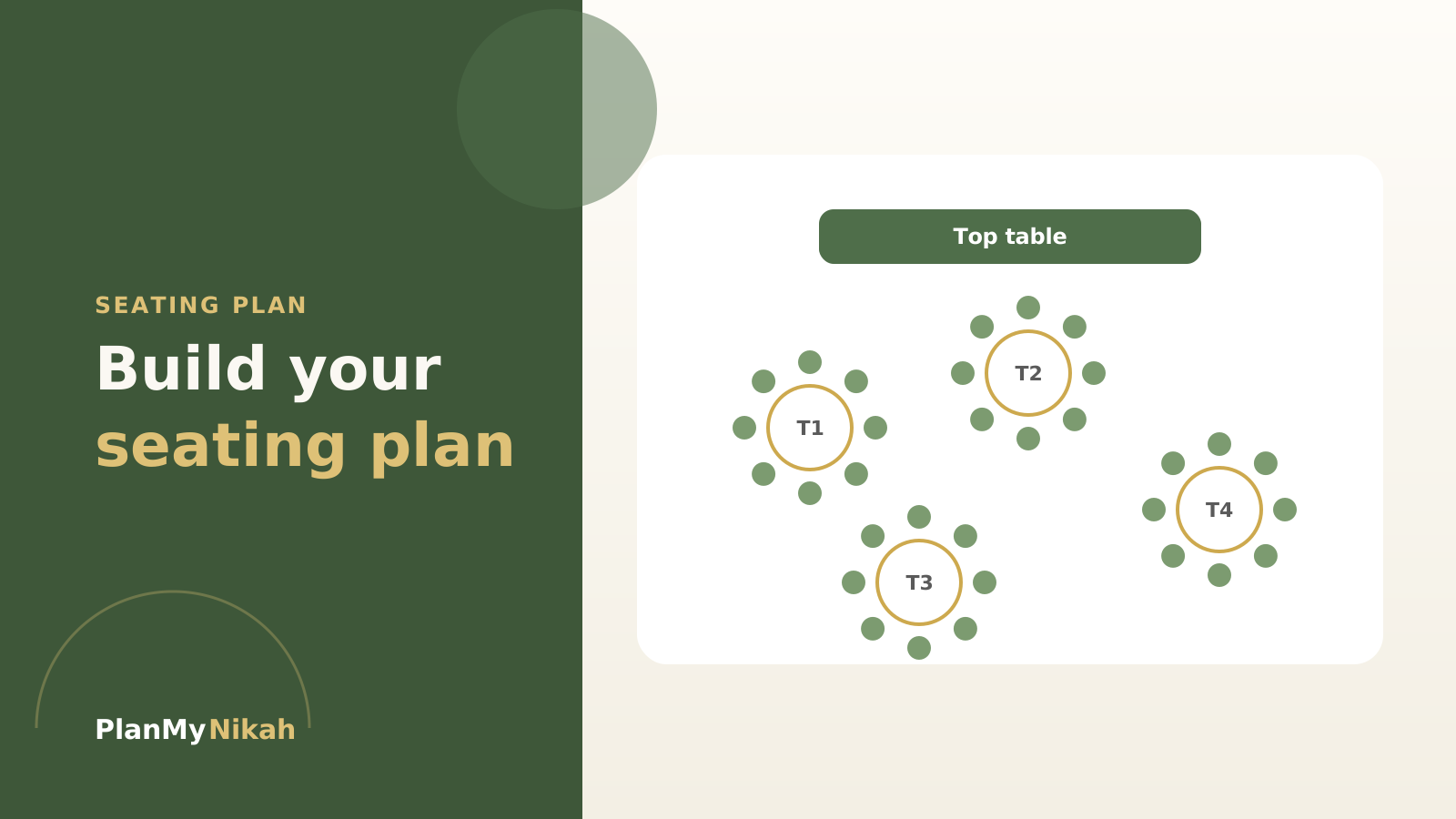
Seating is where family politics meets geometry. The free Seating Plan builder makes both manageable — your confirmed guests are already there, and arranging them is as simple as dragging a name onto a table.
Start from real numbers
Because the seating plan shares an account with your Guest List, the people who've RSVP'd are ready to place. You're arranging actual confirmed guests, not guessing at a list that keeps changing.
Tip
Don't start seating until your RSVPs have mostly landed. Placing guests who later drop out just means doing it twice.
Set the sections you need
Lay out your tables and decide the shape of the room — mixed seating, segregated sections, a family top table, a friends' corner. The plan flexes to how your day is run.
Important
Seat the sensitive groups first — elder relatives, families that should (or shouldn't) sit together — then fill in the easy guests around them. The hard decisions get easier when there's still space to move people.
Arrange, adjust, repeat
Drag and drop until it feels right. Nudge a few people, step back, try again — far less painful than rubbing names off a paper chart.
A calm way to seat a room
- Finalise RSVPs in the guest list first
- Lay out your tables and sections
- Place elders and sensitive groups first
- Fill in remaining guests around them
- Leave a little spare capacity for late changes
Watch out
Always keep a couple of flexible seats free. Someone always arrives who wasn't on the final count — a little slack saves a scramble on the day.
The practical edit
Frequently asked questions
Is the seating plan free?
Yes — it's free with a PlanMyNikah account.
Can I set segregated seating?
Yes. You can arrange mixed or segregated sections to suit how your nikah or walima is run.
Does it use my guest list?
Yes. Confirmed guests from your Guest List flow straight in, so you don't retype names.
Can I change the plan later?
Of course — drag guests between tables any time, and your changes save to your account.
The letter from the editor
Wedding planning tips, straight to your inbox
Nikah checklists, budget advice and practical ideas, about twice a month. No spam.
Continue the edition
Related reading
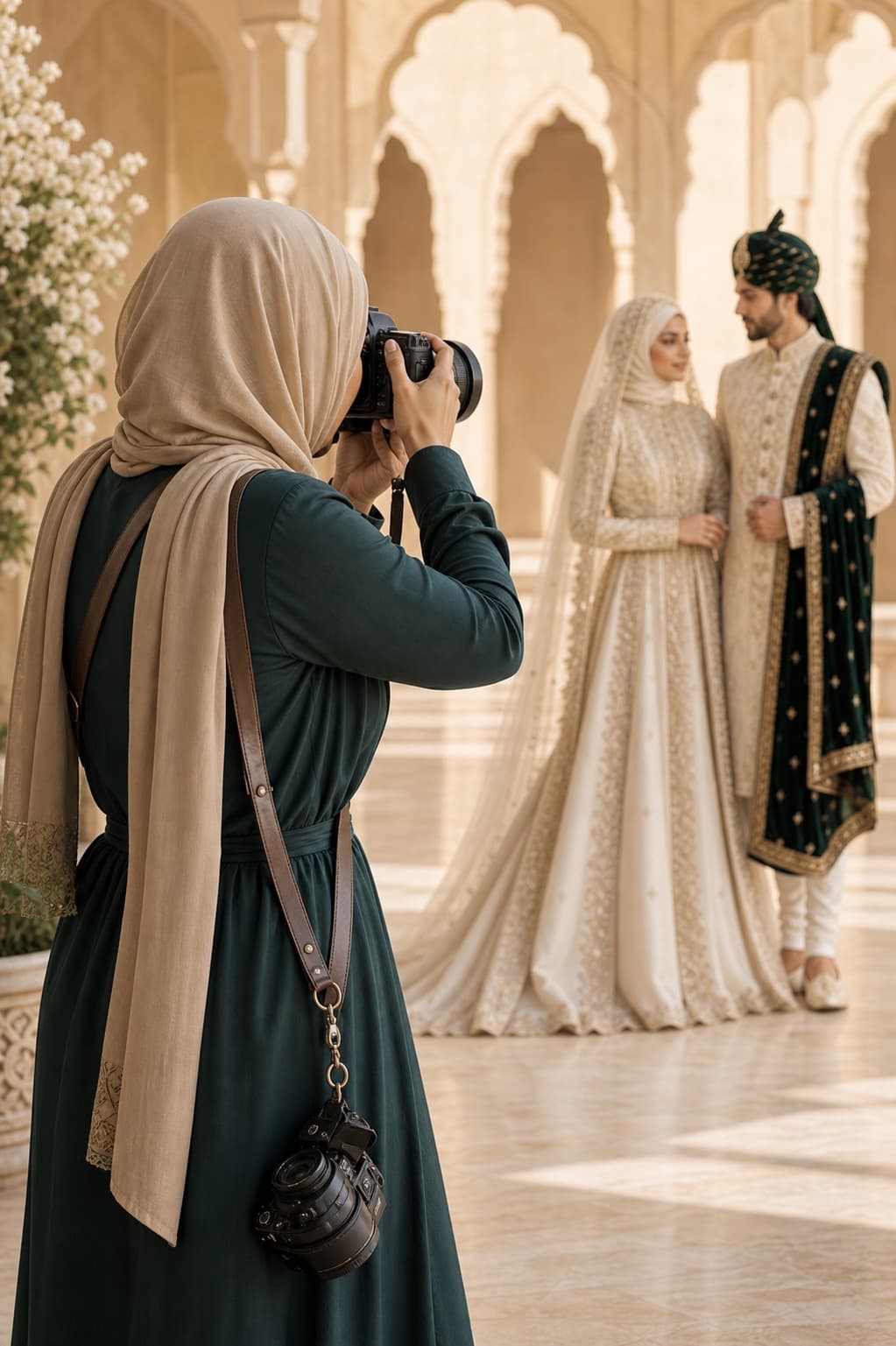
Muslim Wedding Photography Shot List: Nikah, Mehndi and Walima
Plan the photographs that matter at your nikah, mehndi, baraat and walima. This practical UK guide covers family groups, privacy, ceremony moments and the final photographer brief.
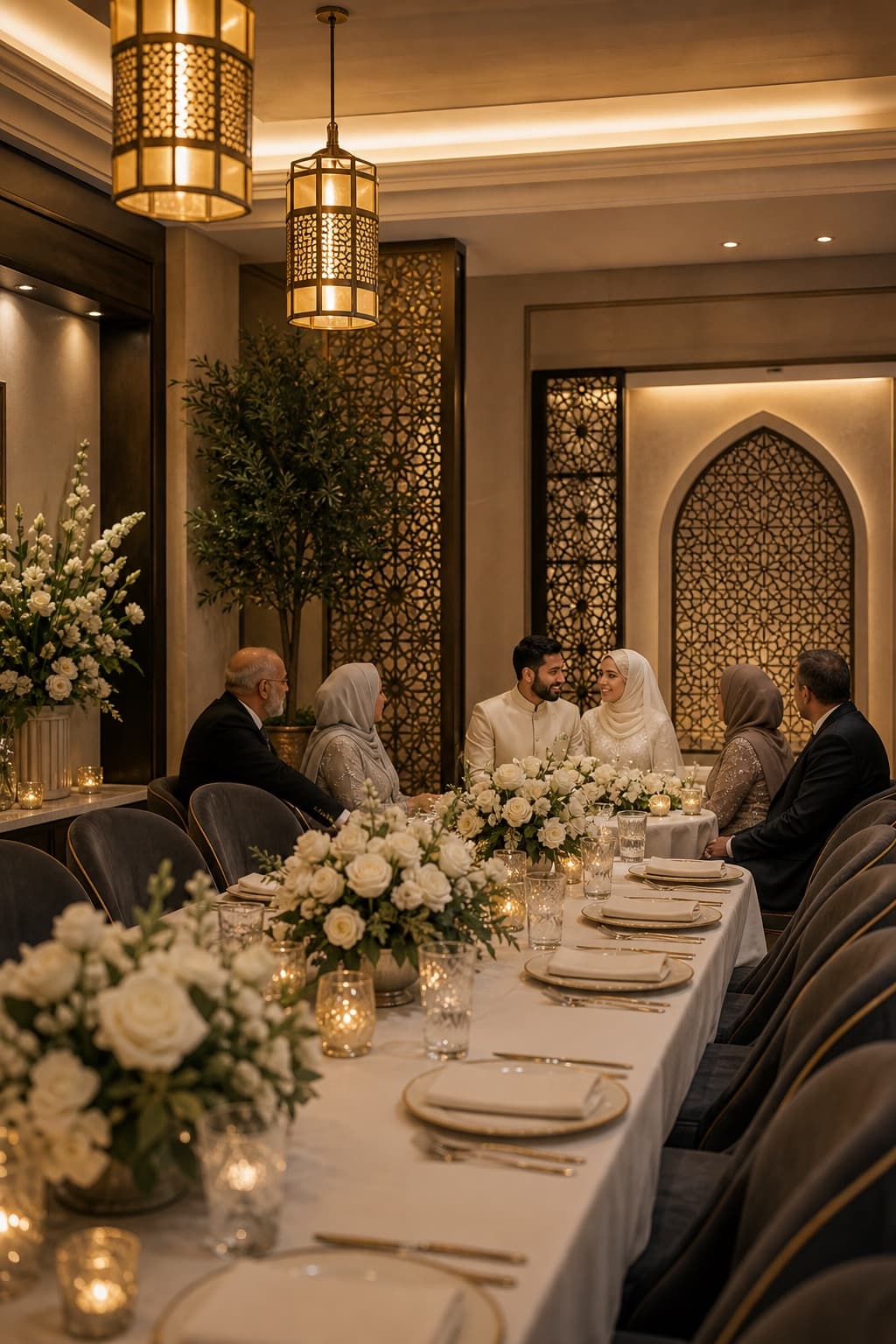
Walima Planning Checklist for UK Muslim Couples
A practical walima planning checklist for UK Muslim couples, covering guests, budget, venues, halal catering, privacy, suppliers and the running order.
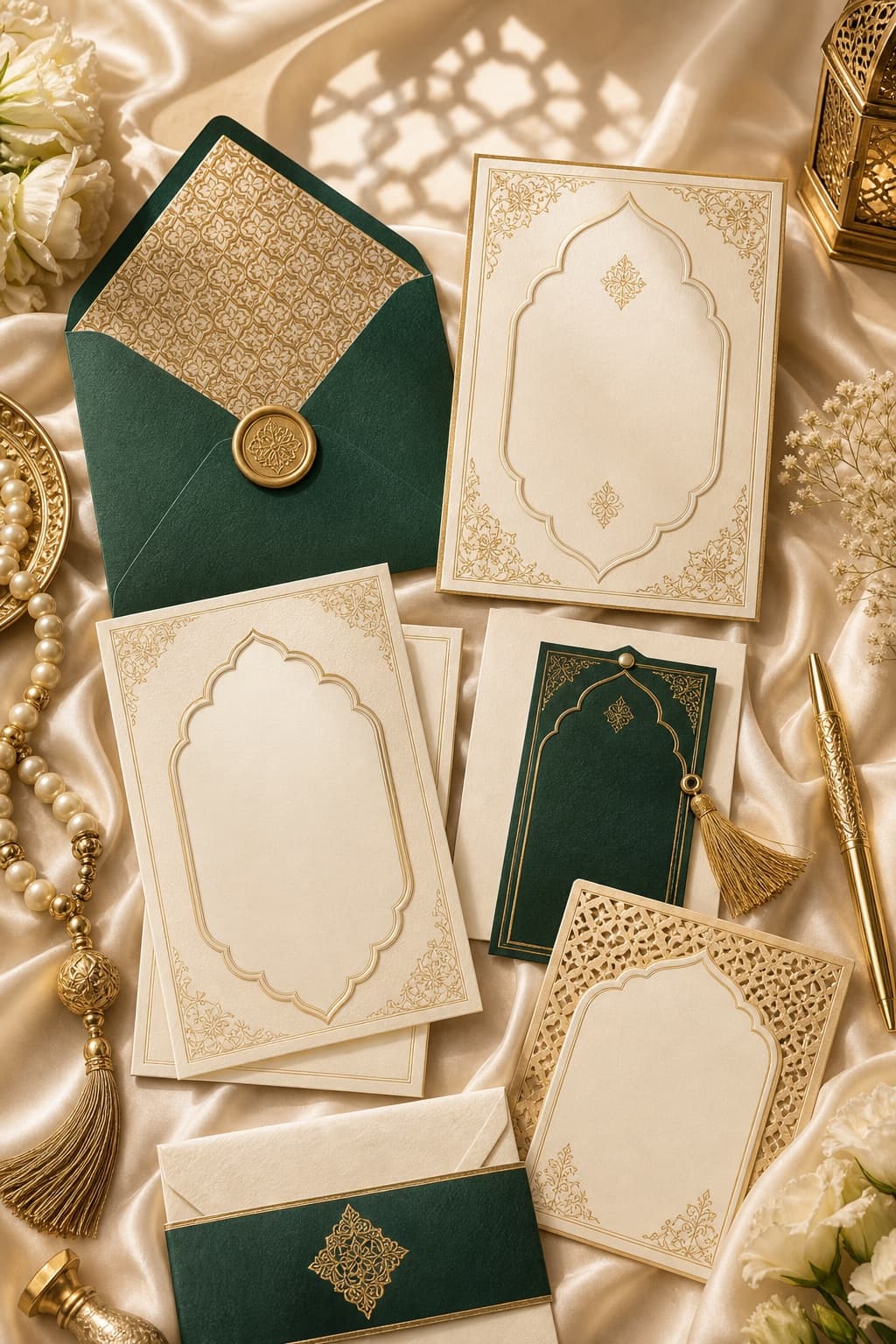
Muslim Wedding Gifts: What to Give at a Nikah or Walima
Practical gift ideas for UK Muslim weddings, with guidance on cash, personalisation and receiving presents across a nikah and walima.