How Hilal helps you choose your next wedding planning step
Turn a crowded wedding plan into a small, reviewable set of priorities using the facts already in your workspace, without letting AI make the decision.
Words by PlanMyNikah Team
28 July 2026
4 minute read
Updated 29 July 2026
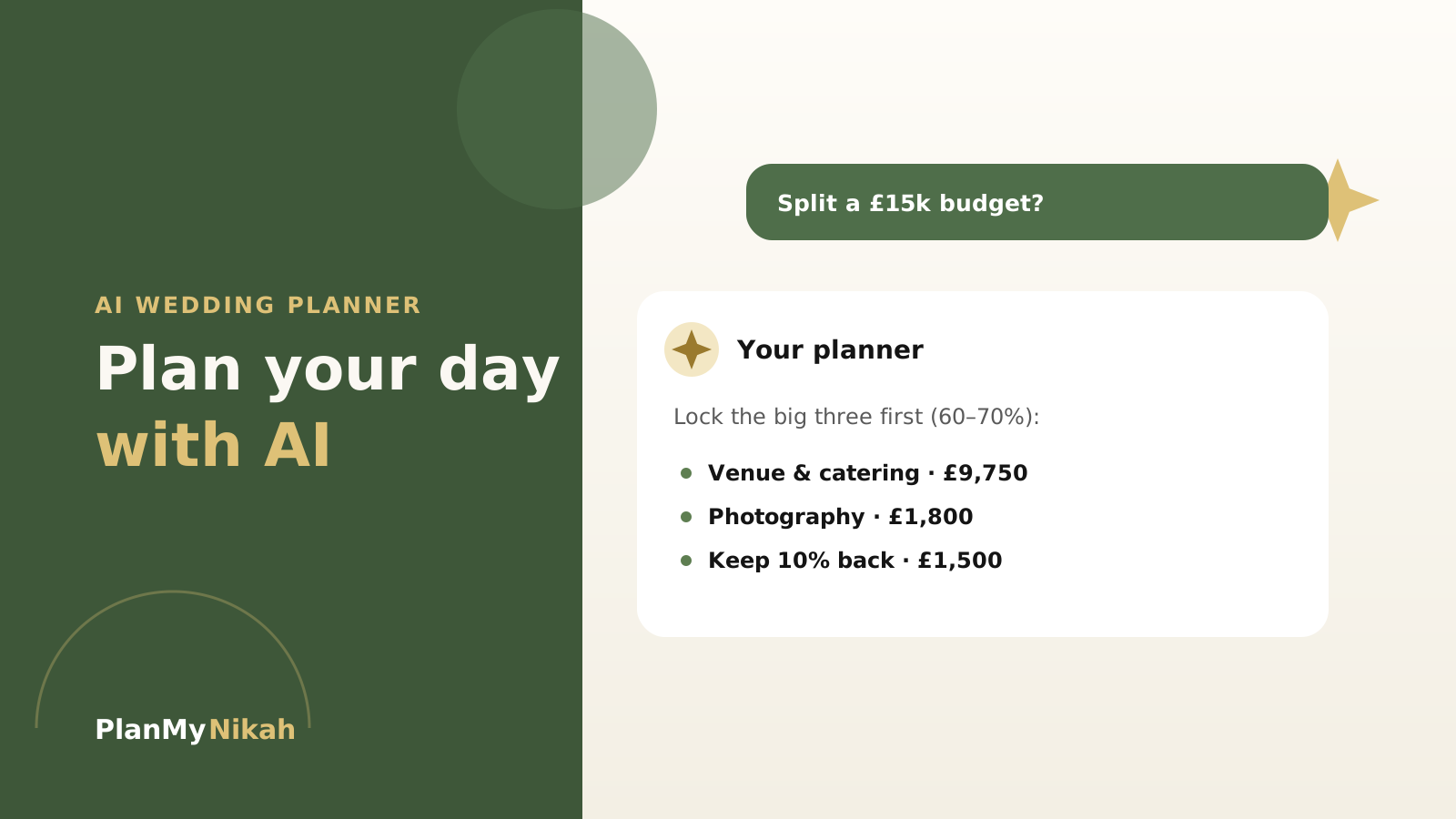
The hardest wedding-planning question is often not “what do we need to do?” but “what should we do next?” A checklist can contain dozens of valid tasks while only two or three are urgent today.
Hilal can help narrow that view. On an eligible signed-in surface, it can use the authorised planning snapshot for that workflow, explain why one dependency comes before another and prepare a next step for you to review. It does not silently change the plan.
Start with facts, not a blank prompt
Before asking for priorities, make the core facts as accurate as you can:
- the working wedding date or date range;
- which events you are planning;
- an approximate guest count;
- the budget total you have actually agreed;
- confirmed bookings and payments;
- decisions waiting on a family member or vendor.
Put structured facts into the relevant planning tools. A saved date belongs in the plan, not hidden inside a chat message. A written vendor quote belongs in the budget or inbox, not in an AI estimate.
Separate deadlines, dependencies and preferences
A calm priority list usually comes from three questions:
- What has a real deadline? A quote expiry, payment date or venue hold deserves attention before an idea with no date.
- What unlocks other work? Guest count can unlock catering and seating; venue rules can unlock the caterer and decorator brief.
- What is a preference rather than a blocker? Colour palettes matter, but they may not need to delay a contract review or supplier availability check.
Hilal can explain this order, but deterministic dates and saved statuses remain the source of truth. If a source is missing, the answer should say so rather than inventing urgency.
Ask for a small, testable output
“Plan my wedding” is too broad to be useful. Ask for an output you can inspect in a minute:
- “Based on these confirmed tasks, show the next three blockers and why.”
- “Which budget category is still unallocated?”
- “What information do we need before asking caterers for comparable quotes?”
- “Turn this voice note into checklist suggestions, but do not add them yet.”
The best answer should distinguish your facts from Hilal's suggestions. Unknown details should remain labelled as unknown.
Review culturally aware date prompts carefully
If the wedding date sits near Ramadan or Eid, PlanMyNikah can show a deterministic planning note based on a civil Hijri calculation. Treat it as a prompt to check local moon-sighting guidance, family plans, venue access and vendor availability.
The calculation is not a religious ruling, and Hilal should not turn it into one. A practical next step might be “confirm the locally observed date with your mosque and ask the caterer about staffing”, not “move the wedding”.
Keep family input visible without giving away control
Family planning can be collaborative without making every vote binding. The Family Collaboration board supports invitations and core controls in English, Urdu, Bengali and Arabic. It can help relatives see tasks and shared options while the couple remains the decision owner.
If someone requests a translation of user-written content, it appears as a reviewed local preview. The original task, message or activity remains canonical.
Confirm changes in the real tool
When Hilal prepares a checklist, budget or communication proposal, read it beside the source:
- compare the suggested task with the current Wedding Checklist;
- compare any amount with the Budget Planner and written quote;
- compare a vendor draft with the actual conversation;
- remove anything that assumes an unconfirmed fact;
- confirm only the changes you want.
No meaningful action should happen because a model sounded confident. The confirmation screen is where a suggestion becomes your choice.
Use the manual route when it is clearer
An allowance can run out, a provider can be unavailable or a browser may not support recording. None of those conditions erase your saved data. Open the checklist, budget, search or inbox directly and continue manually.
For a voice note on an eligible account, review the transcript before applying its proposed tasks. Typing remains available, and audio and transcript content are not retained after the response.
Once you know the next task, use the Muslim wedding checklist guide, build a realistic nikah and walima budget, or prepare the questions to ask vendors.
The practical edit
Frequently asked questions
Does Hilal automatically decide my top priorities?
No. Hilal can propose and explain a short priority list from authorised facts. You decide whether the order is right and confirm any change in the relevant tool.
What if my planning information is incomplete?
Keep missing facts visibly unresolved. Ask Hilal which fact would unlock the next decision, then confirm it with the family member, vendor or professional who owns the answer.
Can Hilal update my checklist from a voice note?
On an eligible account and supported browser, Voice-to-Plan can prepare a transcript and proposed changes. You review the transcript and explicitly confirm before anything is applied.
What if I do not want to use AI?
Use the manual PlanMyNikah tools. Hilal is optional, and the checklist, budget, marketplace, inbox and family board remain available without an AI-generated answer.
The letter from the editor
Wedding planning tips, straight to your inbox
Nikah checklists, budget advice and practical ideas, about twice a month. No spam.
Continue the edition
Related reading

Muslim Wedding Photography Shot List: Nikah, Mehndi and Walima
Plan the photographs that matter at your nikah, mehndi, baraat and walima. This practical UK guide covers family groups, privacy, ceremony moments and the final photographer brief.
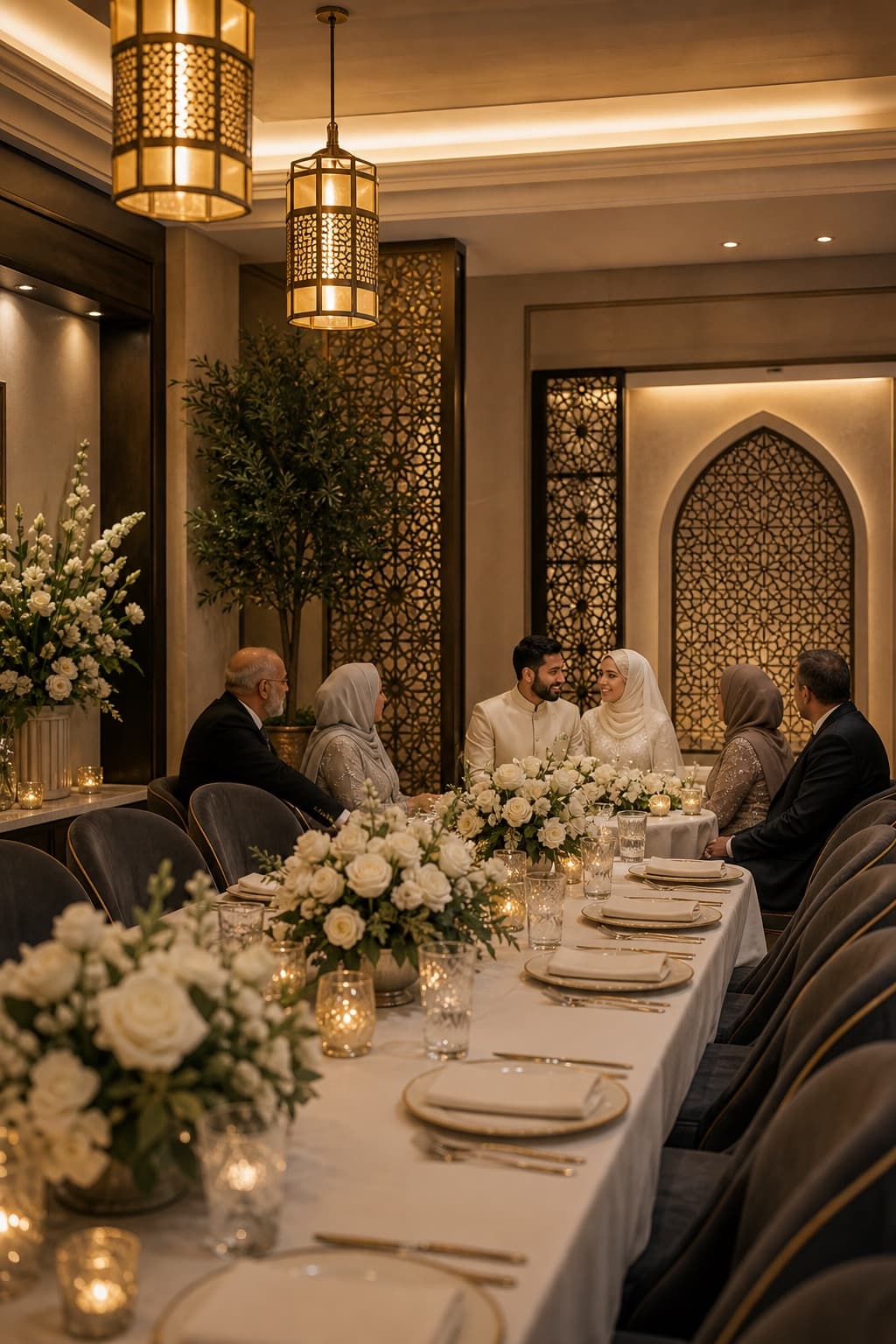
Walima Planning Checklist for UK Muslim Couples
A practical walima planning checklist for UK Muslim couples, covering guests, budget, venues, halal catering, privacy, suppliers and the running order.
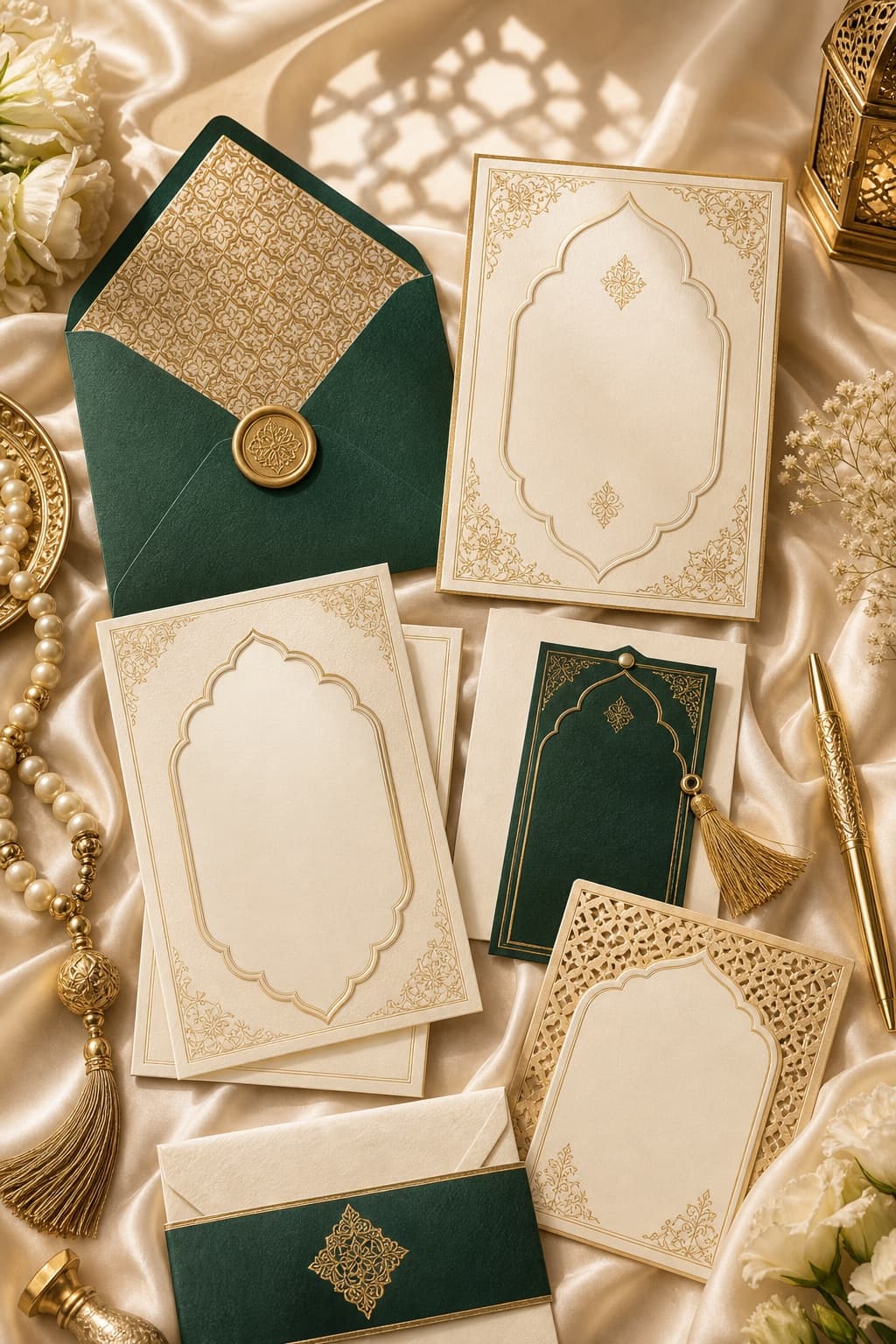
Muslim Wedding Gifts: What to Give at a Nikah or Walima
Practical gift ideas for UK Muslim weddings, with guidance on cash, personalisation and receiving presents across a nikah and walima.