How to use the PlanMyNikah Budget Planner
A step-by-step walkthrough of the free Budget Planner — set your total, split it across the categories that matter, and track every deposit and balance in one shared place.
Words by PlanMyNikah Team
18 June 2026
2 minute read
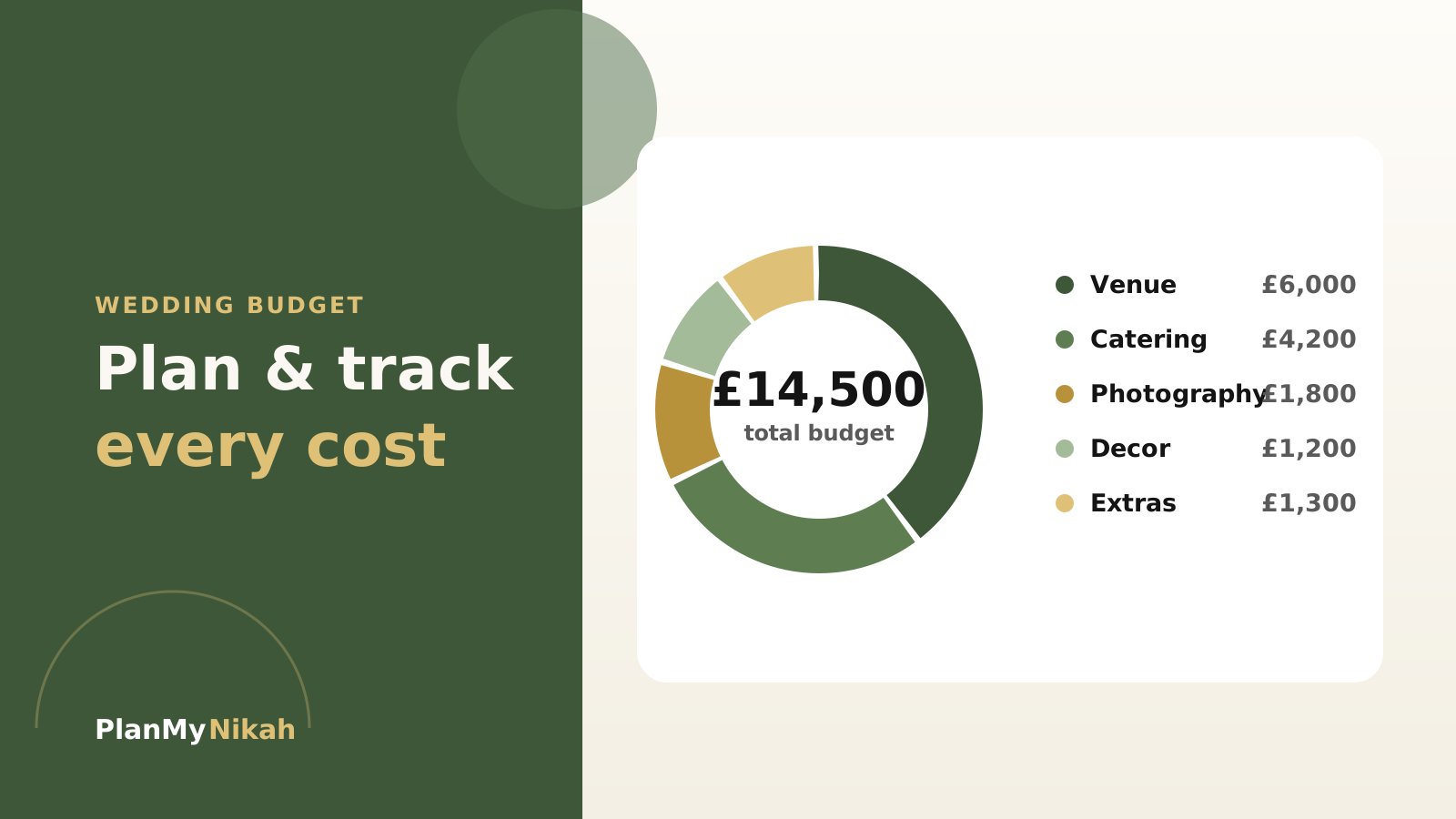
Money is the part of wedding planning that quietly causes the most stress — usually because nobody can see the full picture at once. The free Budget Planner fixes that: one shared view of what you're spending, what you've paid, and what's still to come. Here's how to get the most from it.
Start with one honest number
Before you add a single cost, decide your total. Open the Budget Planner and enter the amount you and your families are genuinely comfortable spending — not the number you wish you had.
Tip
Agree this figure with everyone contributing before you start. A budget that's set together is a budget people respect. Settling it early is the single best way to avoid awkward conversations in month three.
Split across the big rocks first
The planner pre-fills the categories most UK Muslim weddings need — venue, catering, photography, outfits, decor, transport and gifts. Set the big three first, because they decide everything else.
Important
Venue, catering and photography typically account for 60–70% of the total. Lock those, and the rest of the budget arranges itself around what's left.
Log every deposit and balance
As you book vendors, record each payment. The planner shows you three things at a glance: what's paid, what's outstanding, and when the next balance is due — so nothing lands as a surprise the week of the nikah.
Your five-minute setup
- Enter your total budget
- Adjust the suggested category splits to your priorities
- Add each booked vendor with their quote
- Log deposits as you pay them
- Note balance due dates so you're never caught out
Watch out
Ring-fence a 10% contingency and don't touch it. Decor upgrades, a second outfit fitting and day-of extras overrun almost every budget — plan for them and you'll sleep better.
Keep the whole family on the same page
Because your budget syncs across devices and to your account, parents and siblings see the same figures you do. No more three different spreadsheets in three WhatsApp groups telling three different stories.
When you're ready, pair it with the Guest List and Payment Tracker — they share the same account, so your numbers stay consistent across every tool.
The practical edit
Frequently asked questions
Is the Budget Planner free?
Yes — completely free with a PlanMyNikah account, alongside the guest list, checklist, seating plan, payment tracker and wedding website tools.
Can my family see and edit the budget?
Your budget saves to your account and syncs across your devices, so you can share progress with family and everyone works from the same up-to-date numbers.
What categories does it cover?
It pre-fills the categories most UK Muslim weddings need — venue, catering, photography, outfits, decor, transport and gifts — and you can add your own.
What happens to my budget after the wedding?
It stays saved to your account, so you keep a full record of what you spent and what you paid each vendor.
The letter from the editor
Wedding planning tips, straight to your inbox
Nikah checklists, budget advice and practical ideas, about twice a month. No spam.
Continue the edition
Related reading
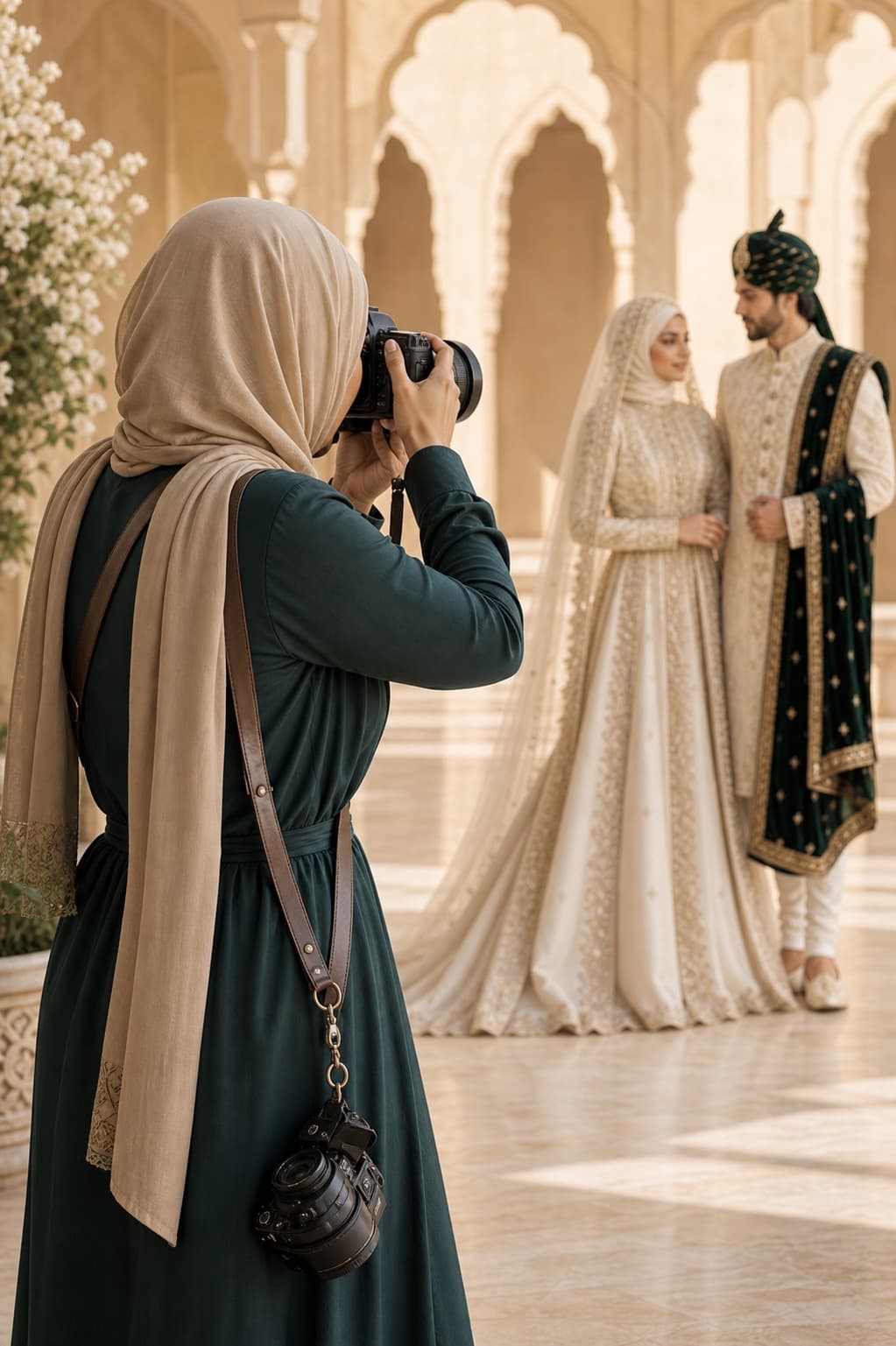
Muslim Wedding Photography Shot List: Nikah, Mehndi and Walima
Plan the photographs that matter at your nikah, mehndi, baraat and walima. This practical UK guide covers family groups, privacy, ceremony moments and the final photographer brief.
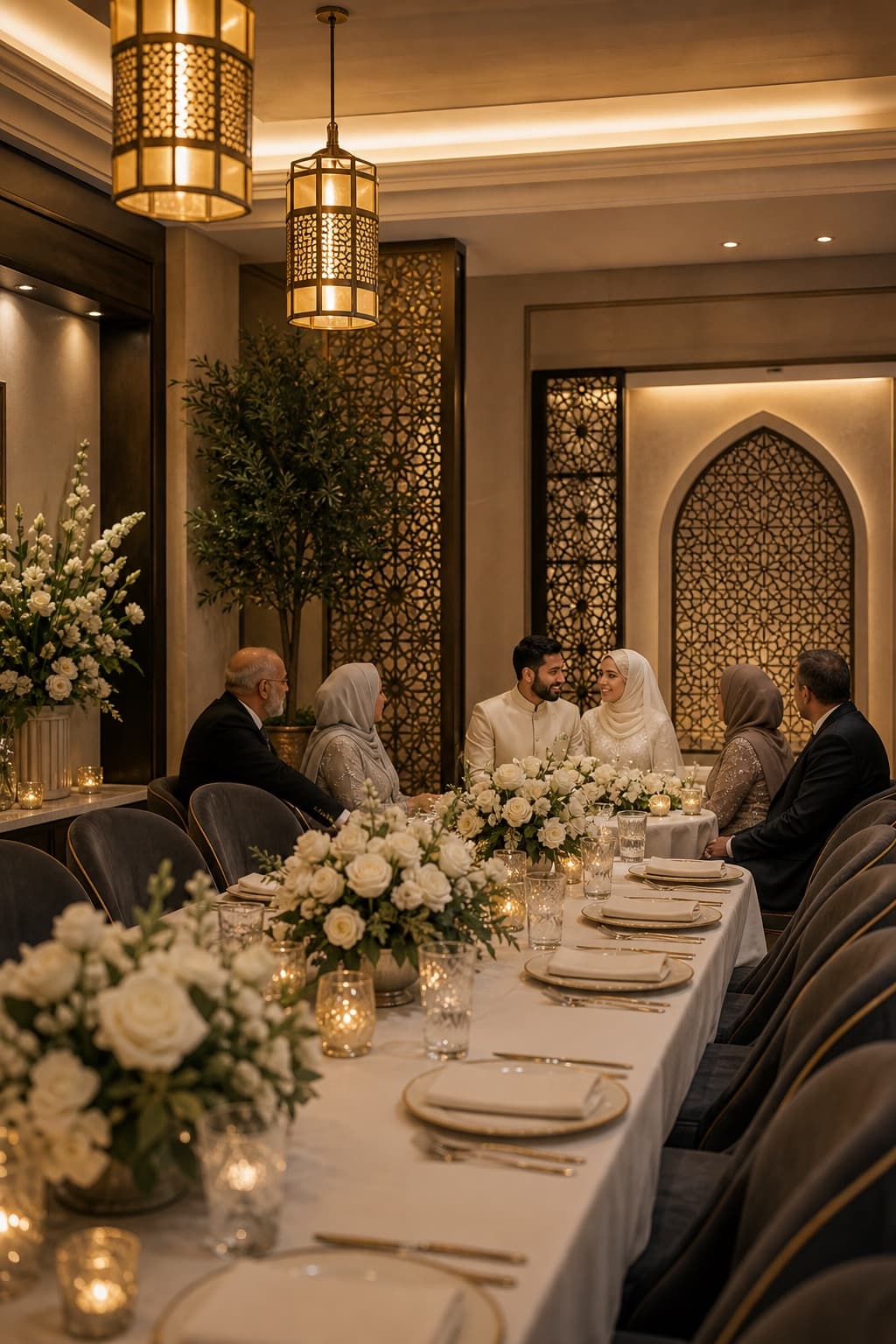
Walima Planning Checklist for UK Muslim Couples
A practical walima planning checklist for UK Muslim couples, covering guests, budget, venues, halal catering, privacy, suppliers and the running order.
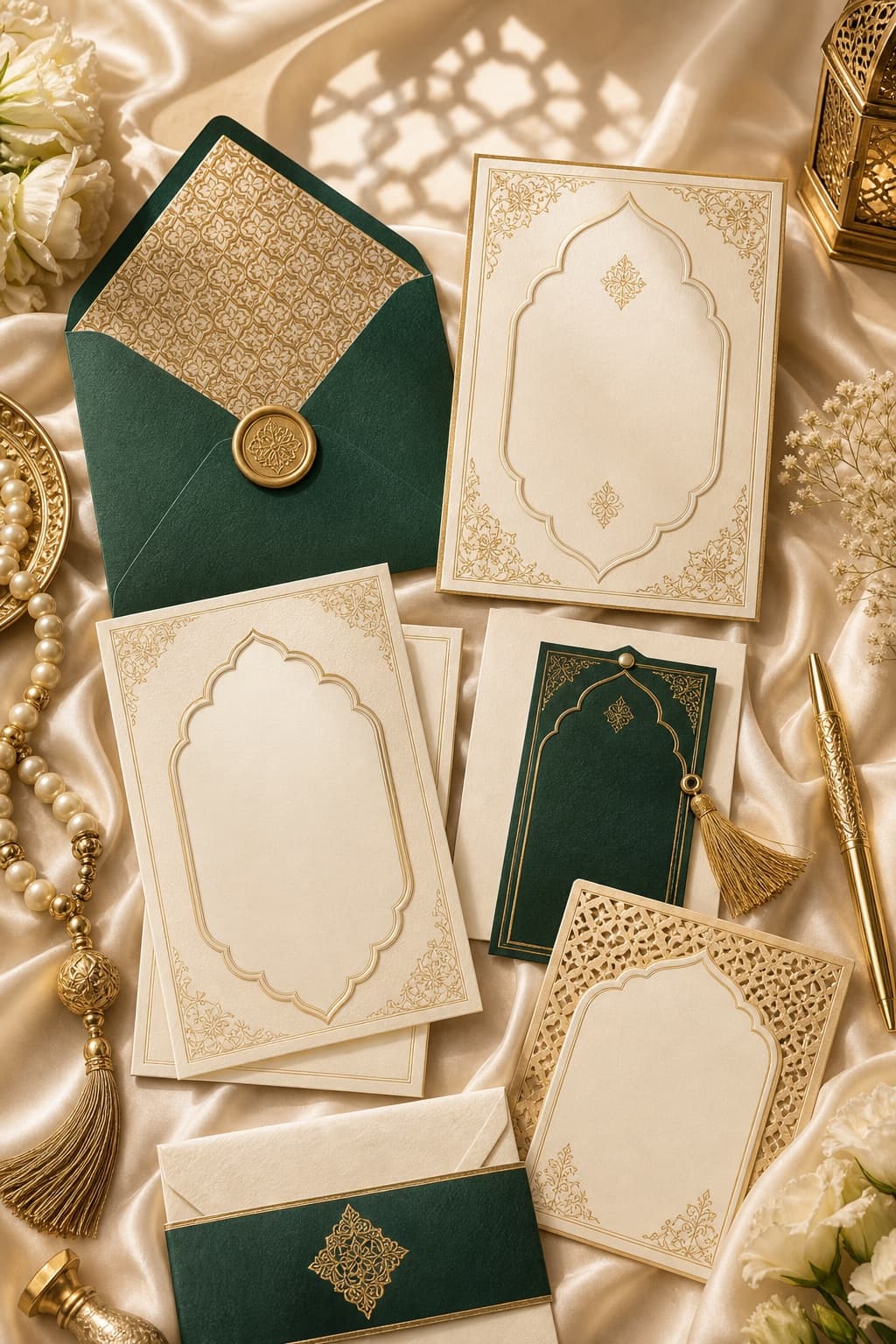
Muslim Wedding Gifts: What to Give at a Nikah or Walima
Practical gift ideas for UK Muslim weddings, with guidance on cash, personalisation and receiving presents across a nikah and walima.