Build your wedding website in 10 minutes
A walkthrough of the free wedding website builder — from picking your link to collecting RSVPs that feed straight into your guest list.
Words by PlanMyNikah Team
15 June 2026
2 minute read
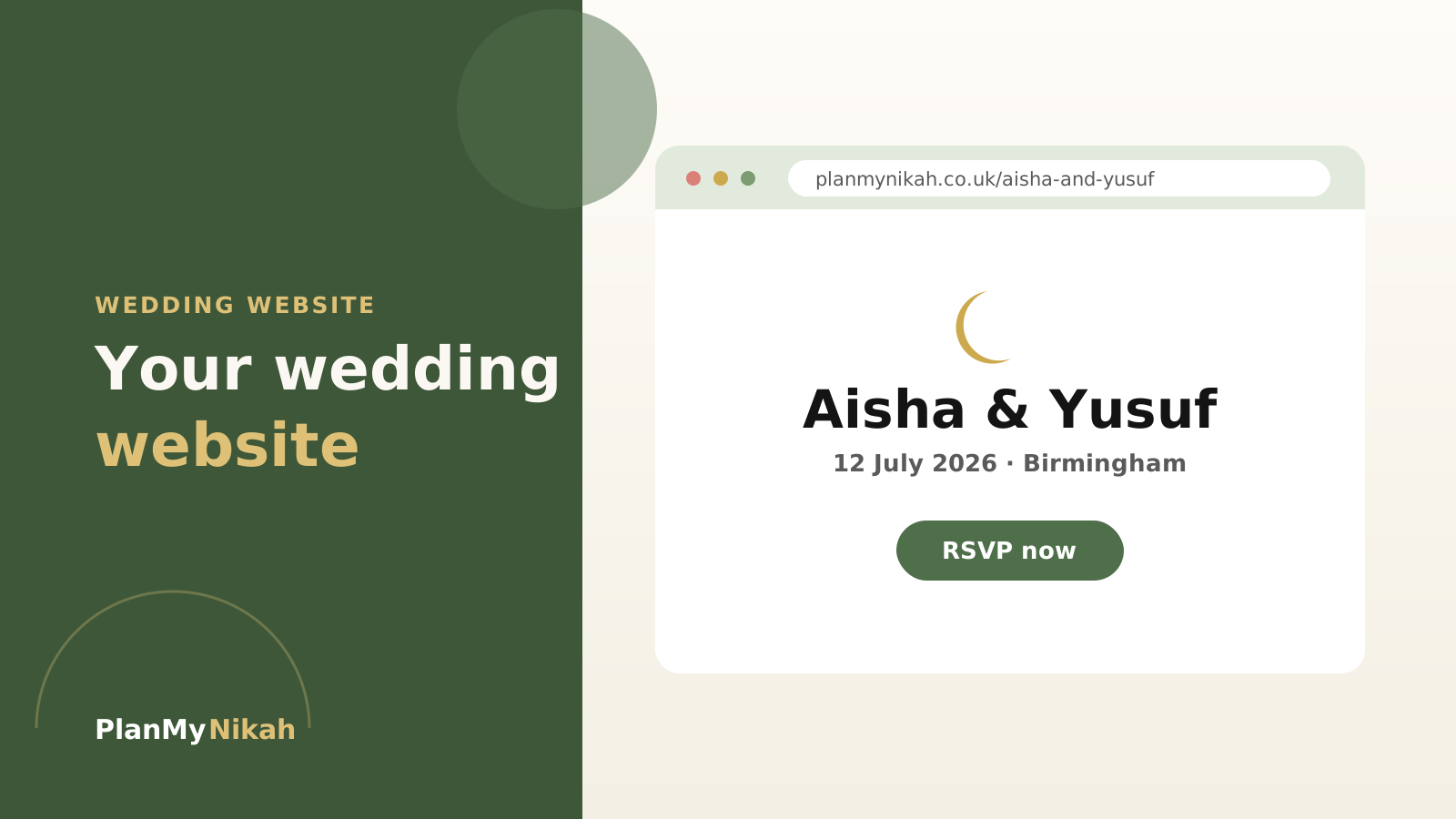
A wedding website answers every guest's questions from one link — and on PlanMyNikah you can build one in about ten minutes. Here's the whole process, start to finish.
What you'll need first
Have these to hand and the rest takes minutes:
- Your nikah (and walima) date and times
- The venue name and address
- A rough running order for the day
- Any dress code or parking notes
Step 1 — Create your site
From your couple dashboard, open the Wedding Website tool and choose your link. Your site goes live on a shareable PlanMyNikah URL.
Tip
Keep the link short and memorable — your two names is perfect. You'll be pasting it into a lot of messages, so make it easy to type.
Step 2 — Add the essentials
Fill in your date, venue, schedule and a short welcome note. Guests can then find directions and timings themselves, which cuts your inbox in half.
Note
Prefer to keep the exact address private until people reply? You can choose what to show publicly and share the precise location closer to the day.
Step 3 — Turn on RSVPs
Switch on online RSVPs and let the replies roll in. Numbers update automatically and feed into your Guest List and Seating Plan.
Important
Set an RSVP deadline a couple of weeks before you need final numbers for the caterer — it gives you room to chase anyone who forgets.
Step 4 — Share the link
Send it out with your invitations and you're done. One link doing the work of fifty repeated messages.
The practical edit
Frequently asked questions
Is the wedding website free?
Yes — building and sharing a wedding website is free with a PlanMyNikah account.
Can guests RSVP online?
Yes. Online RSVPs are built in and replies update your guest numbers automatically.
Can I hide the venue address?
You choose what to show publicly, so you can keep the exact address private until guests have RSVP'd.
How long does it really take?
Most couples have a complete site live in around ten minutes once they have their date, venue and schedule to hand.
The letter from the editor
Wedding planning tips, straight to your inbox
Nikah checklists, budget advice and practical ideas, about twice a month. No spam.
Continue the edition
Related reading
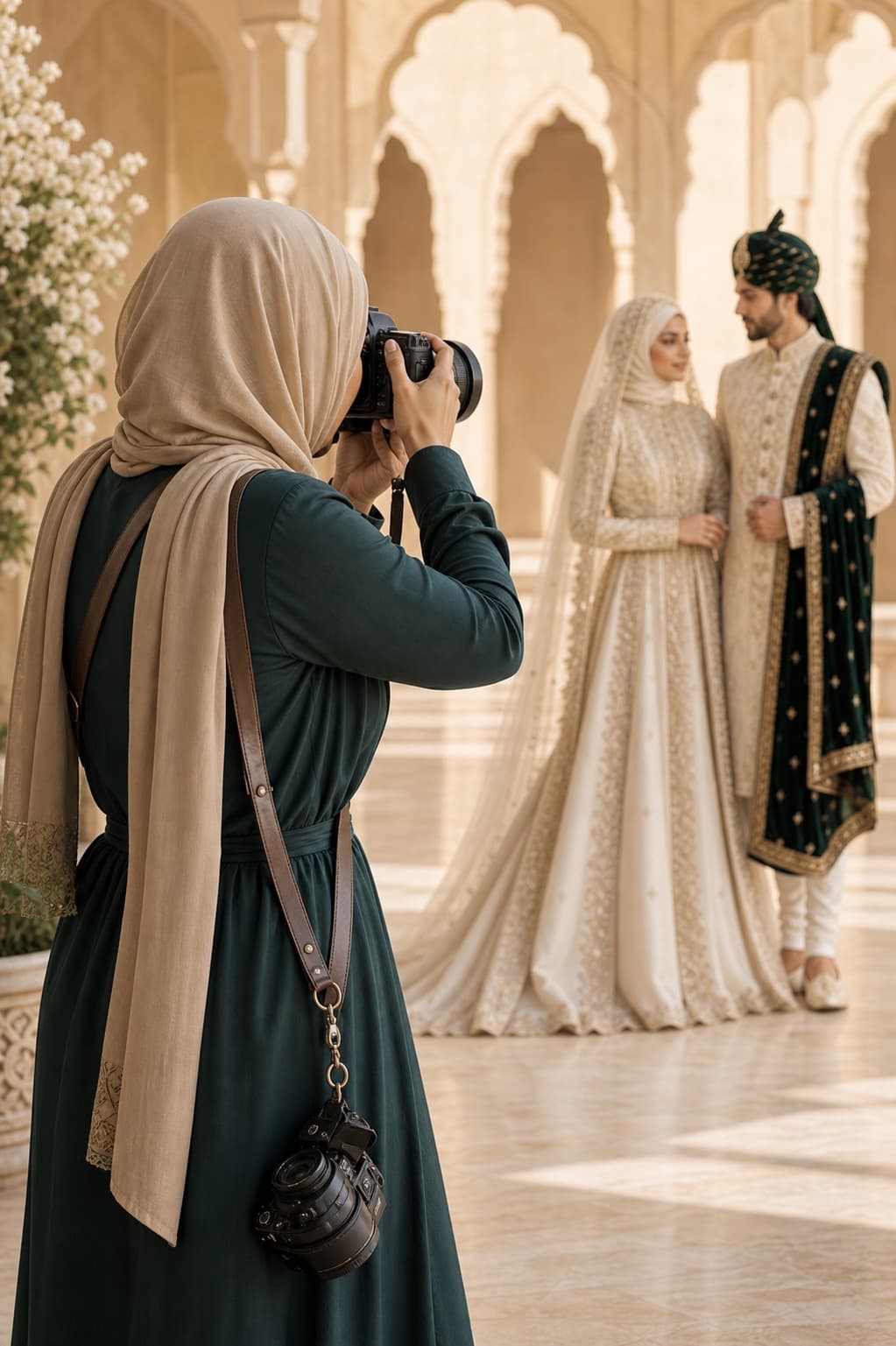
Muslim Wedding Photography Shot List: Nikah, Mehndi and Walima
Plan the photographs that matter at your nikah, mehndi, baraat and walima. This practical UK guide covers family groups, privacy, ceremony moments and the final photographer brief.
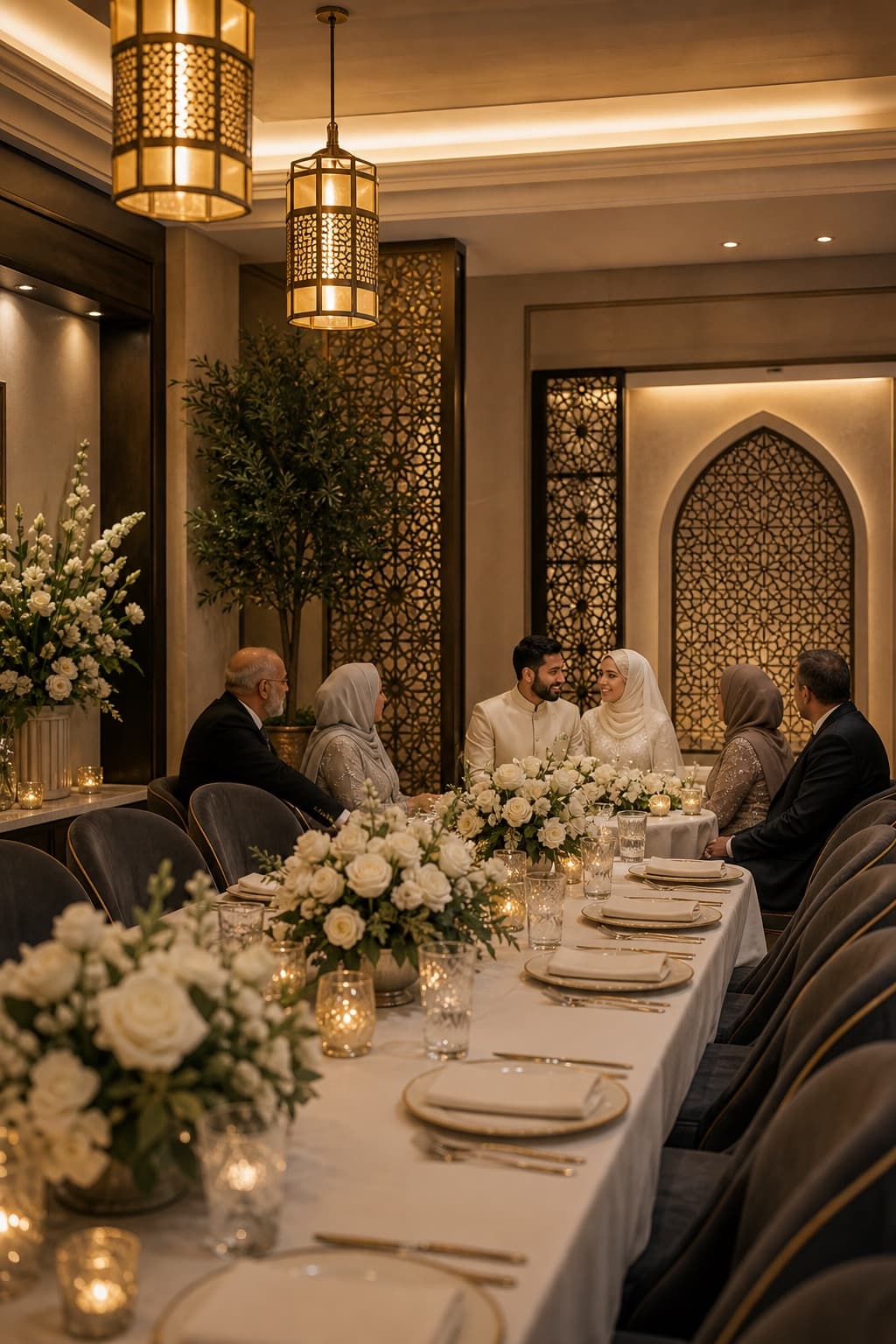
Walima Planning Checklist for UK Muslim Couples
A practical walima planning checklist for UK Muslim couples, covering guests, budget, venues, halal catering, privacy, suppliers and the running order.
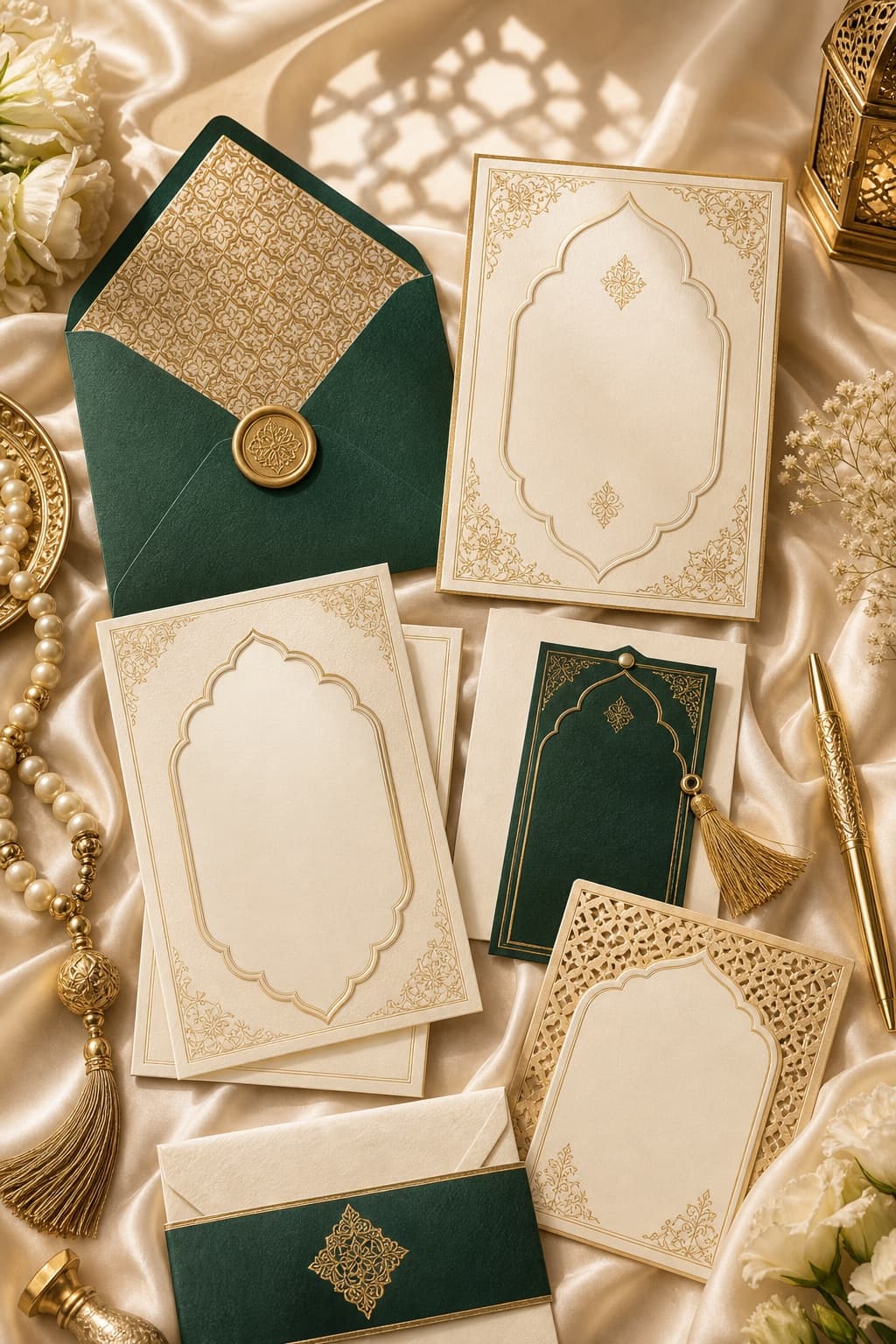
Muslim Wedding Gifts: What to Give at a Nikah or Walima
Practical gift ideas for UK Muslim weddings, with guidance on cash, personalisation and receiving presents across a nikah and walima.